Case study 03 / 06 · Optical Center · Agentic UX, B2C
From map firstto intent first
People don't look for the nearest store. They look for the store that can solve their problem today. I redesigned the Optical Center store locator around an AI agent that understands the need first, checks real availability, and only then shows the map. I then brought the same assistant to the whole website.
In 30 seconds
- 5need scenarios mapped, from urgent repair to a child's myopia
- 3types of need: urgency, clinical expertise, values
- 4steps: intent, preference, stock check, smart result
- 2surfaces: the store locator and the website assistant
- The problem
- 3D tours and complex maps looked good but answered the wrong question: where is the nearest store, not which store can help me now.
- What I did
- I mapped needs and scenarios, designed the agent's logic and relevance score, and designed the final UI: a unified AI search, AI results and a website assistant.
- The outcome
- A store locator that answers “where is what I need, right now”, with one or two relevant stores instead of a list of fifty.
- Role
- Digital Design Lead, end to end
- Focus
- Agentic UX · AI search
- Data sources
- Store stock & agendas (Cosium), clienteling
- Status
- Prototype, ready to deploy soon
A beautiful store locator that didn't help
The store locator relied on heavy 3D tours and static maps. They favored aesthetics, loaded slowly and answered only one question: where is the nearest store? But the nearest store may have no free slot tonight, no optometrist, or not the frame you want. People paid the cost: more effort, and sometimes a wasted trip.

The question I set out to answerHow might we take people from a need (“I broke my glasses”) to the store that can actually solve it, without making them read a map first?
What the business needs
- Turn store-locator visits into bookings
- Stop losing qualified traffic
- Compete with online-only players
What users need
- Say what they need, in their words
- See real availability: slot, stock, specialist
- Book in one step
Constraints
- Real-time data from store systems (Cosium)
- Eye exams are health services
- Must still work as a classic search
People search by need, not by postcode
I flipped the order. Instead of showing a map and letting people work it out, the agent first qualifies the intent (eye exam or frames? urgent or not?), then shows the map with only the stores that fit.

Five real scenarios, three kinds of need
To design the agent's reasoning, I wrote five scenarios and traced each one from request to response. They grouped into three kinds of need, and each kind changes what “the best store” means.
“I'm leaving tomorrow and I have no lenses left.”
The agent needs exact correction in stock and accepts a wider radius: a store 5 km away with −2.50 lenses ready today.
“My 7-year-old can't see the board.”
The agent looks for pediatric optometry and myopia-control lenses, and values reassurance over price.
“Only wood or recycled frames, no plastic.”
The agent gives priority to stores with a wide eco range, even if they are farther away.
“Hearing aid batteries for my father, and reading glasses.”
The agent finds a store with both optical and audiology, to save an older person a second trip.

Designing how the agent thinks
With an agent, the design is not only screens. I designed the reasoning: what the agent asks, what data it checks, and how it ranks stores.
“I broke my glasses, I need an appointment this evening.”
- 01
Understand the intent
Is it an eye exam or a frame? It reads the need, the time window and the urgency.
RepairUrgent< 4 h - 02
Refine with preferences
Style, brand, date and time. If the person is logged in, clienteling adds their history.
This eveningParis 11thLiked aviators - 03
Check real availability
A live query of store stock and agendas: who has a specialist free, and the frame in stock?
- Nation slot 6:30 PM
- Bastille in stock
- Rivoli no slot
- 04
Deliver a smart result
One or two “hero” stores ranked by relevance, instead of fifty pins on a map.
Optical Center Paris NationToday 6:30 PM · frame in stockBook in 1 tap

A relevance score instead of distance
The question is no longer “where is the store?” but “where is what I need, right now?”. I defined the score with four weighted criteria: free slot with a specialist (35%), distance (30%), stock (25%) and opening hours (10%).
The relevance algorithm
- Geographic proximityHow close the store is
- Stock availabilityThe critical filter
- Past preferencesFrom clienteling, if logged in
- Smart resultThe optimal store, not just the nearest one
“Show the nearest store that actually has what I need.”

Le flow et le moteur de décision n'ont pas les mêmes pondérations (stock 40 % / historique 30 % vs 35/30/25/10). Harmonise dans le FigJam ou dis-moi lesquelles garder.
What I designed
1. One search bar for addresses and needs
The store locator keeps one search field, an “omnibox”. As soon as people click it, a menu mixes classic suggestions (cities, recent searches) with “The assistant can help you” suggestions in plain language: “Book an appointment in Paris as soon as possible”, “Find a store with hearing services”. Typing a city still works exactly as before.

2. AI results on top of the classic list
For a need like “In-store appointment in Paris as soon as possible”, a clearly labeled “Response from the AI assistant” block shows the two stores with the earliest slots. Below it, the classic list stays, now with live availability (“Available today at 6:30 PM”). One link puts the AI results on the map.

3. The same assistant across the website
I then took the module beyond the store locator. On the website, the assistant opens with quick needs (“Renew my glasses”, “Eye exam”, “Contact lens emergency”, “Hearing aid”, “Children's glasses”) and a free text field. In the side panel, it guides people step by step: one question at a time, with quick answers, until it can book or hand over.


An agent people can follow
An agent that books appointments and sends people across a city has to earn trust. I built these rules into the screens.
Always labeled
AI answers sit in a distinct “Response from the AI assistant” block. They never blend into the classic results.
Show the work
While searching, the assistant lists its steps: location found, 6 stores open today, sorted by distance.
Ask, don't guess
When the need is unclear, it asks one short question with quick answers: “What is damaged? The frame, a lens, a screw.” “The nearest store, or the earliest appointment?”
The person decides
Nothing is booked without “Confirm”, there is always “Change”, and a repair request is handed to customer service.
Expected impact
To be clear: this is still a prototype, ready to be deployed soon. There is no real-world data yet. These are the targets I set, and what I will measure after launch:
clicks to find the right store (target)
conversion to booking (target)
to decide (target)
Confirme si ces chiffres sont des objectifs ou des mesures. Si mesurés, retire « target » et dis comment (test, A/B, analytics).
What I learned
- The hardest part of agentic UX is not the chat. It's deciding what “the best answer” means for each kind of need.
- Scenarios are the design tool for agents: tracing request → understanding → response made the logic concrete for everyone.
- Adding AI doesn't mean removing the classic path. The omnibox and the classic list stay, so nobody is forced to talk to a bot.
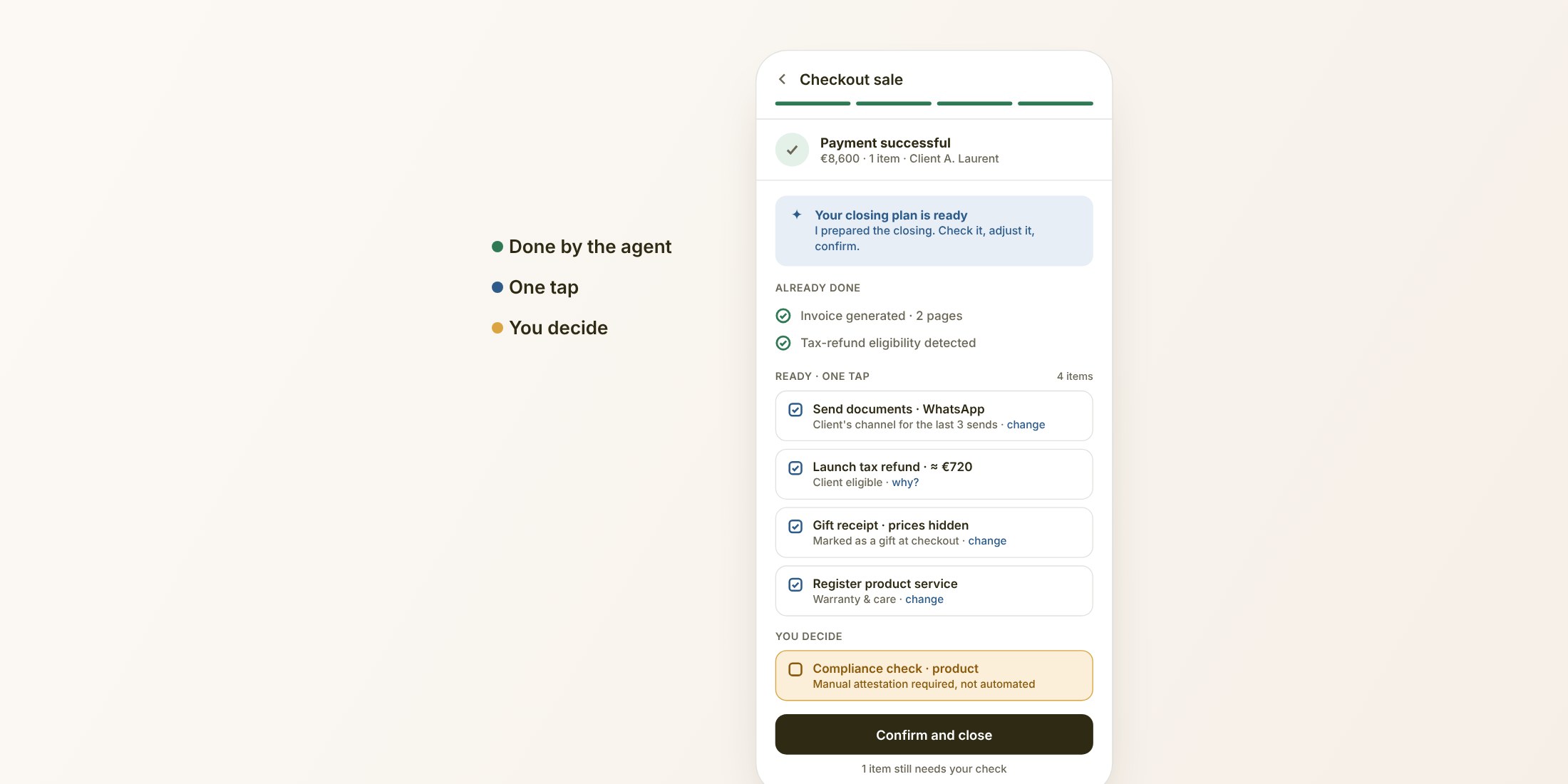
In-store sales CRM: agentic transaction recap
An agent prepares the closing plan after a sale and stops where the sales associate must decide.
Read the case study